AI-assisted email drafting and inbox management on Android
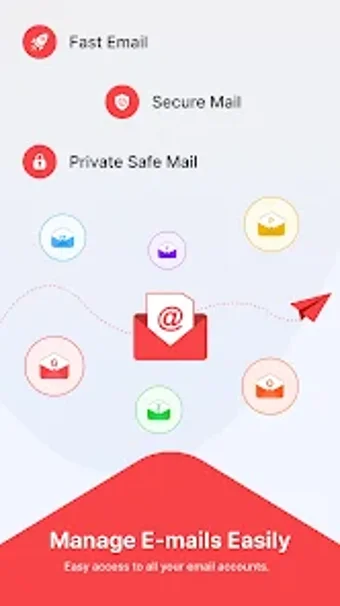
AI Email Writer: Mail App, by Hades Strom, is an Android client that helps compose and manage email. It embeds an AI writing assistant that generates drafts from prompts, offers templates, and supports voice-to-text for hands-free drafting. The app centralizes multiple webmail providers in a single inbox and allows adjustable tone and length for generated messages. Professionals, students, and non-native speakers benefit from faster, better-formed emails and post-call follow-up prompts.

Unlock your creativity with Adobe Stock
Get 10 images or 1 video with a free trial
What is AI Email Writer used for?
The app places generative drafting directly inside a multi-account webmail inbox, letting users create professional drafts from prompts and a template library without switching tools. The assistant can adjust tone and length, and stores generated text in a content history for later review. The prompt library covers common workplace and educational scenarios, such as meeting requests, follow-ups, apologies, and sales pitches, targeting regular correspondence workflows.
How private are your conversations?
Privacy is signalled by an in-app content history and the app's usage model. The app provides a reviewable content history that lets users inspect and manage previously generated AI output, and AI writing features operate on a freemium model with free credits. The app description does not specify transport- or end-to-end encryption details, so users should treat retained generated drafts as stored within the app environment.
Is the app easy to set up?
Onboarding follows familiar webmail patterns and includes accessibility options. Account support covers Gmail, Yahoo Mail, Outlook, and other standard webmail providers, and the app targets Android 7.0 or higher for installation. A Speak-to-Text dictation mode reduces typing effort, and multi-language output helps non-native speakers adopt the tool without additional localization steps, making initial setup similar to other Android mail clients.
How do you manage follow-ups and interruptions?
Follow-up flow centres on an After-Call prompt and stored drafts. An After-Call Feature surfaces quick email actions immediately after ending a phone call, enabling rapid follow-up from the same inbox. Combined with the template library and content history, the app keeps follow-up drafting and stored messages in one place. Compared with plain webmail clients, it integrates generation tools into message workflows rather than treating drafting as a separate utility.
A practical choice for writers who want faster, polished messages
The app suits professionals, students, and non-native speakers who need AI-assisted drafting inside a single Android inbox. Its design emphasises in-context composition and quick post-call follow-up without switching apps. Privacy-minded users should note the app documents generated content and does not specify encryption details. It is straightforward to adopt for steady email workflows and fits users who prioritise integrated writing support.